If you use BundID to retrieve tax notices, file applications or receive letters from authorities, it is worth a short check of your account this week. After Monday’s mass login attempts there is no sign of hijacked accounts, but the safeguards take under ten minutes.
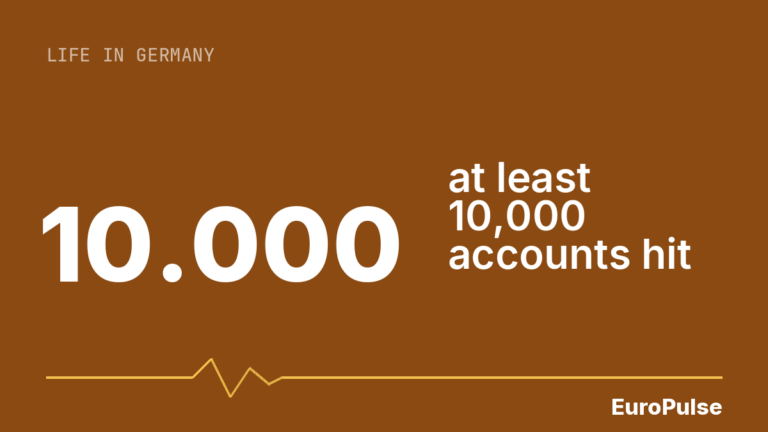
What is known: attackers ran automated tests of email-and-password pairs from earlier data leaks, a technique called credential stuffing. A spokesperson for the Federal Ministry for Digital Affairs told Handelsblatt that at least 10,000 accounts were affected, in the “low five-digit range”. Username-and-password login was switched off on Monday morning and restored in the afternoon; every login now also requires a code sent by email, which the ministry calls “permanently planned”. “We currently have no information about compromised BundID accounts,” the spokesperson said, according to Handelsblatt. The BSI, the federal cyber-security agency, confirmed the attack. Our news report: BundID hack: at least 10,000 citizen accounts affected.
What sits inside a BundID account
A basic account holds at least a surname, date of birth and email address, and depending on use a first name, place of birth, phone number or address. Accounts registered with an ELSTER certificate or the online ID card also hold verified identity data. There is also a digital mailbox where authorities leave decisions and notices. That is why a look is worthwhile: a stranger could read those messages or change the email address on file.
A checklist for tonight
- Type id.bund.de into your browser yourself rather than following links in emails.
- Check that your stored data and email address are still yours, and scan the activity log for anything unfamiliar.
- Set a new password you use nowhere else; a password manager helps. If the old one is used on shops or social networks, change it there too, as reuse is the real weakness in credential stuffing.
- If possible, switch to the online ID card or an ELSTER certificate, which is considered safer than a password alone.
- If you see unknown activity, contact BundID support (phone shown on the login page: +49 361 6063080) and report to the police if you suspect identity misuse.
Beware of fakes
People whose accounts were locked get an email with a reset link. The sender alone cannot tell you whether it is genuine: a reader of the IT blog Borns IT- und Windows-Blog described a real lock notice containing links, while Netzwelt flags phishing as an obvious risk. Our advice: even for a genuine-looking mail, type the address in manually and start the reset there.
The timing is unclear. Handelsblatt cites Monday, 16 November, while user reports point to 13 and 14 November. There may have been several waves, but that is not confirmed. Our assessment: fixing your password and second factor now leaves you better prepared for the next wave, however many there were.
Sources: Handelsblatt, Netzwelt, Borns IT- und Windows-Blog, BundID